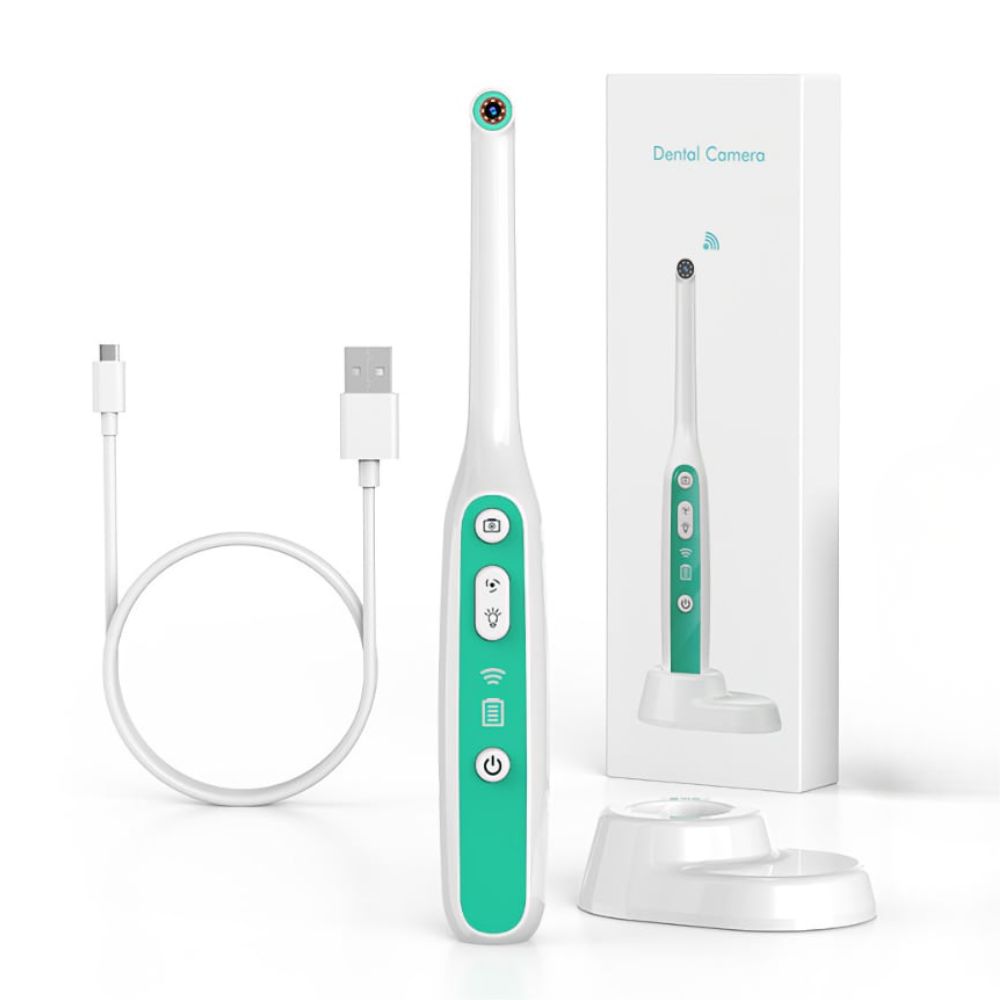
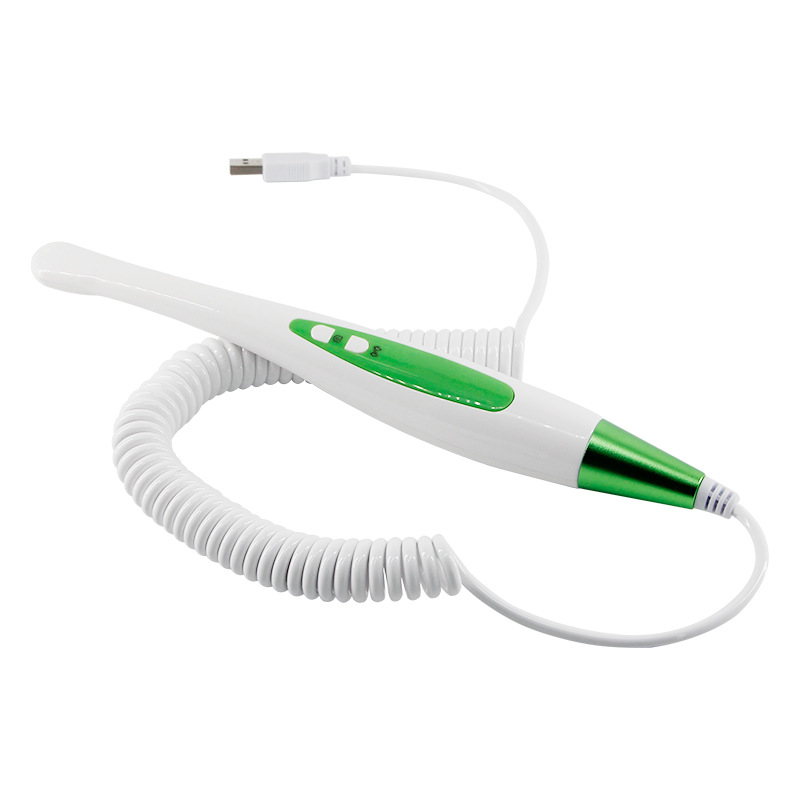
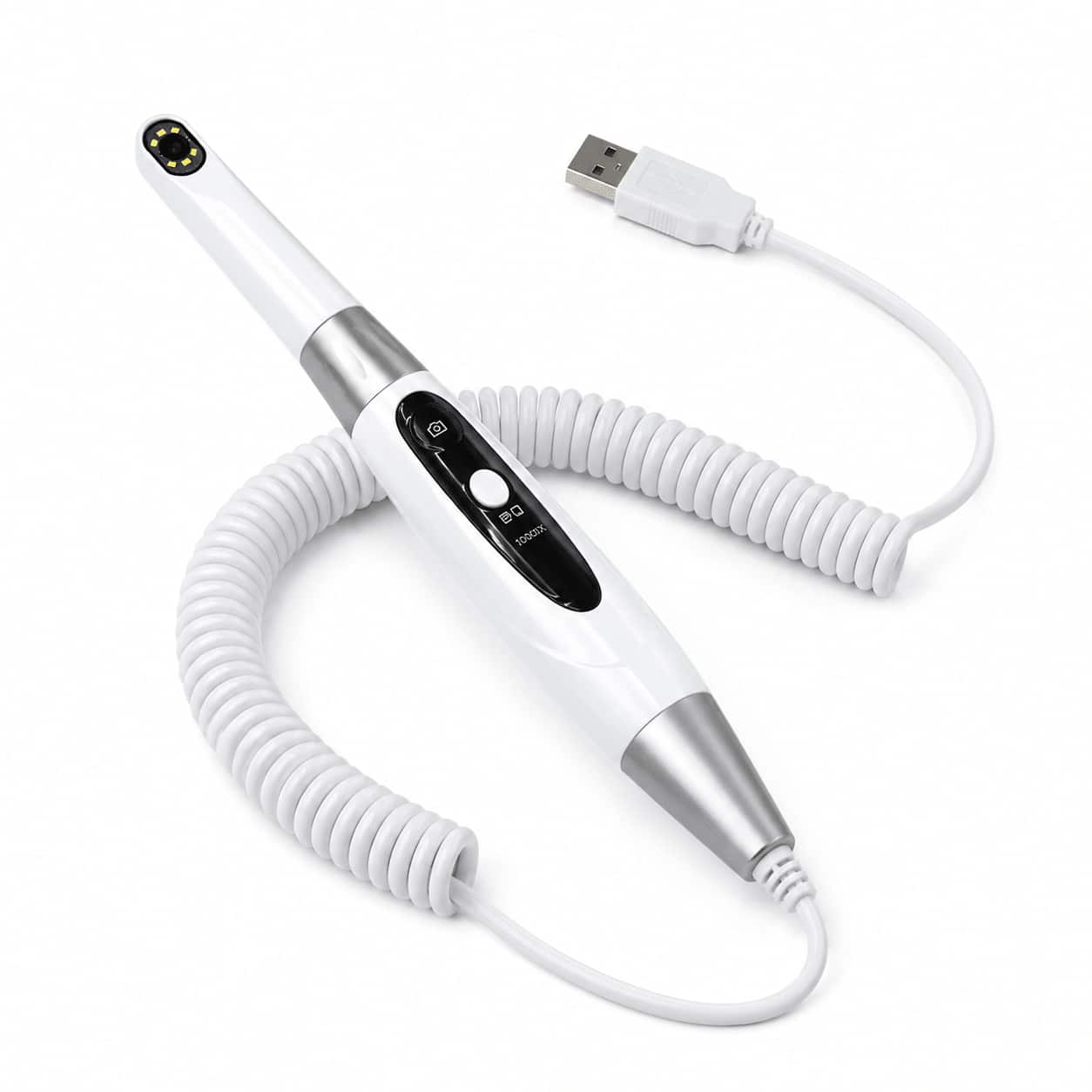
HM368A2 USB Dental Intraoral Camera Handle
HM368A2 · HM368A2HM368A2 USB dental intraoral camera handle offers 16MP imaging, 6 LED cool lights, and a 350-degree rotatable head for touch anti-shake chairside capture.
In stock · Ships in 24–72h
Quantity (MOQ:1pcs)
HM368A2 USB Dental Intraoral Camera Handle
The HM368A2 is a USB dental intraoral camera handle designed for chairside oral inspection, patient communication, and clinical image documentation. It uses wired transmission and local image storage through compatible computer software, helping clinics capture clear intraoral images during routine examinations.
The camera handpiece is designed with a compact lens head, touch capture control, and a rotatable camera head for flexible access to anterior, posterior, and occlusal areas.
Key Features
- 16MP imaging: supports high-resolution intraoral image capture for teeth, gingiva, margins, restorations, and hard-to-see areas.
- 6 LED cool lights: provides bright illumination for clear intraoral viewing and reduced blind spots.
- Touch anti-shake capture: touch photo capture helps reduce hand movement and makes operation more flexible.
- 350-degree rotatable camera head: the camera head can rotate on both sides for easier positioning during oral inspection.
- Wired transmission: USB connection supports stable chairside image transfer during use.
- Local image storage: images can be stored locally through compatible computer software.
- Auto focus: supports a 1.5–4.5 cm focusing distance for close intraoral observation.
- 70-degree viewing angle: provides a practical field of view for routine dental inspection.
- Ergonomic handle design: comfortable handpiece shape supports flexible chairside operation.
Clinical Applications
- Chairside oral inspection and patient communication.
- Observation of caries, calculus, cracks, restorations, gingival condition, orthodontic appliances, and margin details.
- Before-and-after image documentation for treatment explanation, planning, and follow-up records.
Use Notes
- Connect the USB camera handle to compatible computer software before use.
- Use local storage workflow to save captured images according to clinic requirements.
- Clean and disinfect the camera handpiece surface after use following clinic hygiene procedures.
- Keep the USB connector dry and store the handpiece safely when not in use.
You may also need